Dens and patrols — organizing scouts into groups
How dens (Cub Scouts) and patrols (Scouts BSA) work, how to create a patrol or assign a den leader, and how to move scouts between groups.
Admin > Dens or Patrols — the label and the page itself work differently depending on your troop's program.
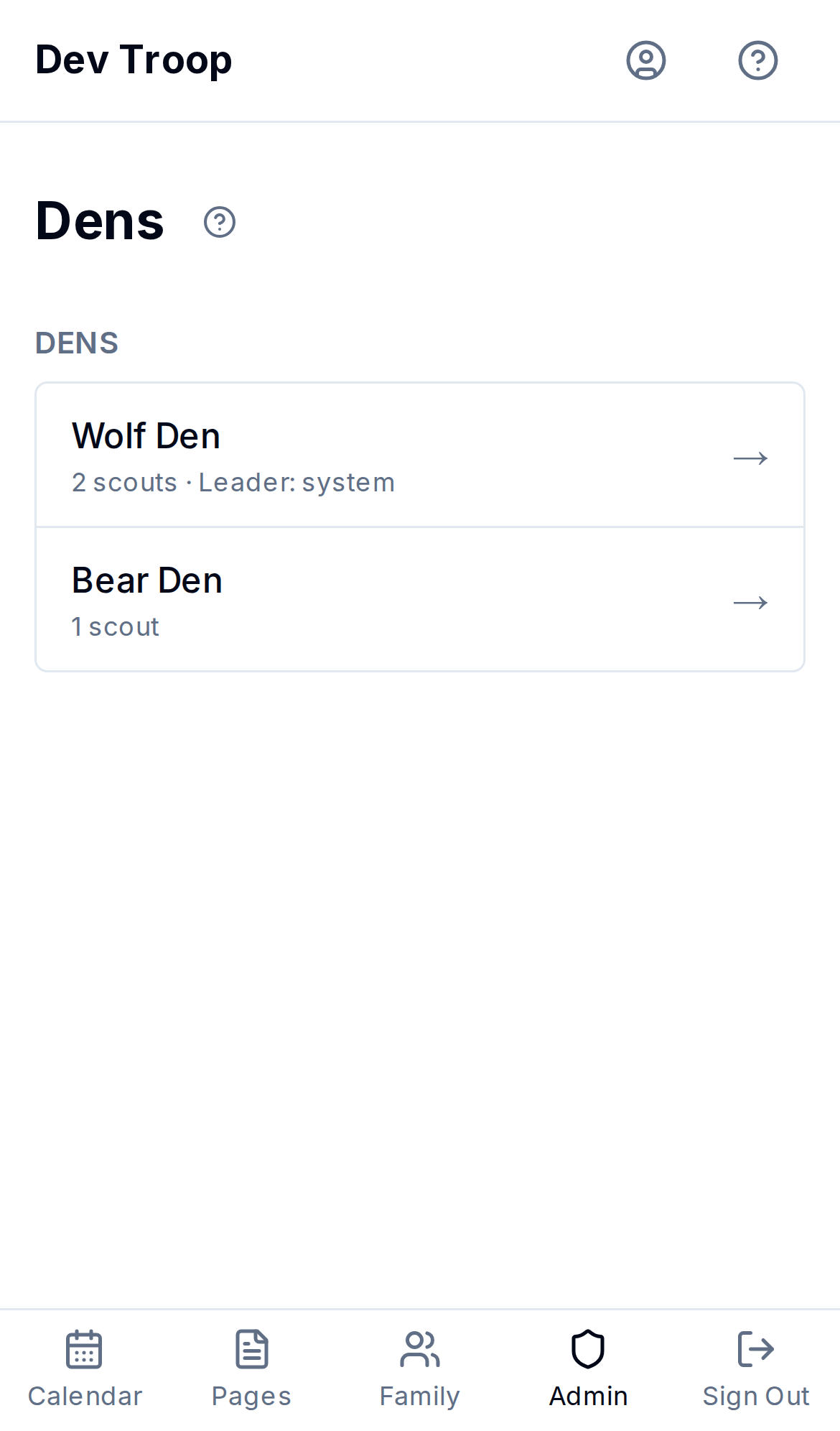
Cub Scouts: dens
A den isn't something you create — it's automatic. A scout's den is just their rank. Every scout with the Wolf rank is in the Wolf den; there's no separate den record to add, rename, or delete. To move a scout to a different den, change their rank from Admin > Scouts — the den follows.
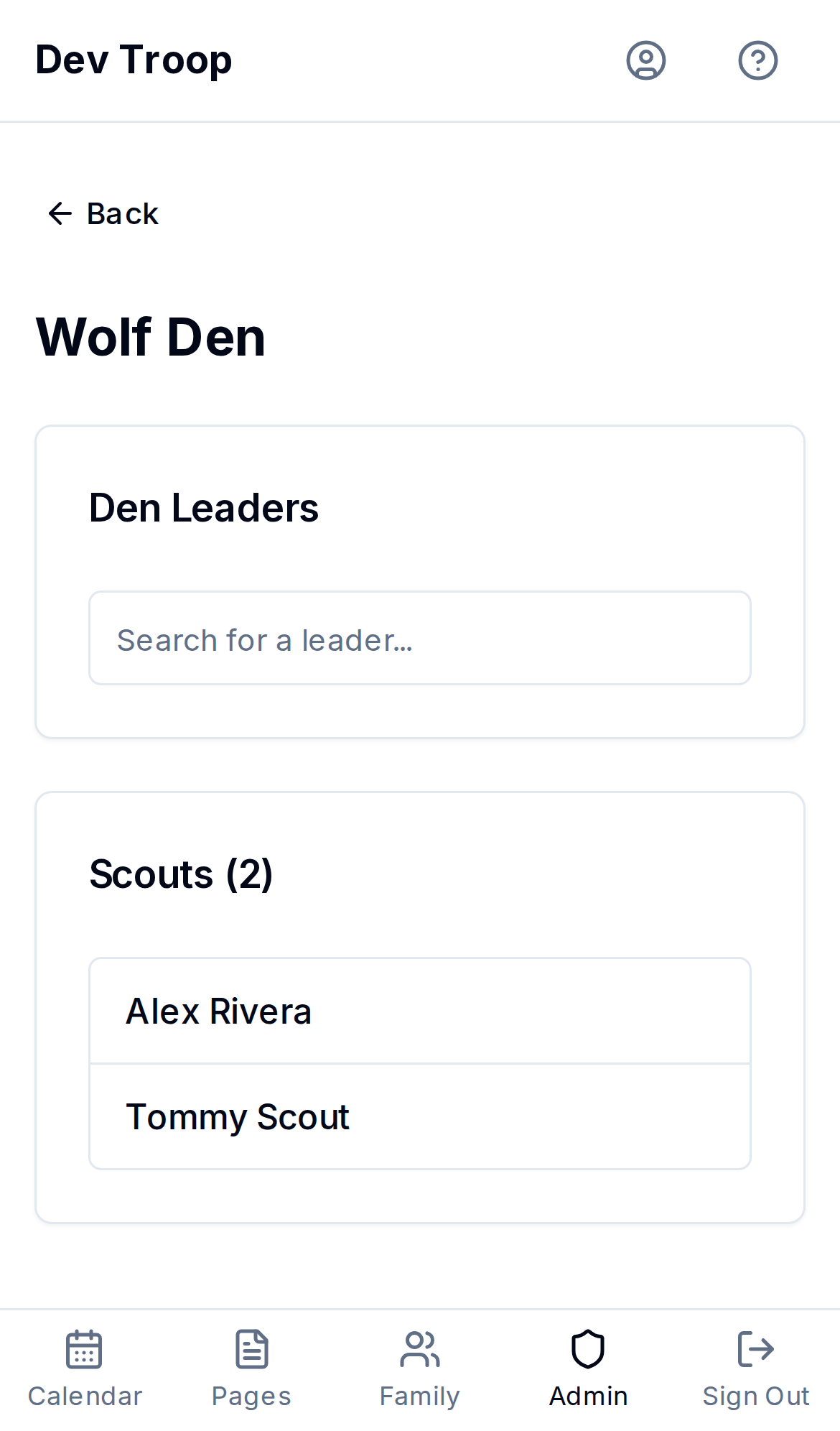
What you can do here is assign den leaders — one or more troop adults (any user, not just scouts) responsible for a rank. On a den's page:
- Search for a leader in the Den Leaders box and select them. You can add more than one.
- Click Save Leaders.
A den with no scouts at that rank yet just says so — nothing to configure until someone has that rank.
Scouts BSA: patrols
Patrols are real records you create, name, and can delete.
Creating a patrol
- Click New Patrol.
- Enter a Patrol Name (e.g. "Eagle Patrol").
- Optionally pick a Patrol Leader — a scout from the roster. This is informational only; it doesn't grant that scout any permissions.
- Click Create Patrol.
Moving scouts in and out of a patrol
Open the patrol and use + Add Scout to see unassigned scouts and add one, or click Remove next to a member to unassign them. Removing a scout from a patrol doesn't delete the scout — it just leaves them unassigned until you (or they) pick a new one.
Renaming or deleting a patrol
Open the patrol, change the name under Edit Patrol, and Save Changes. Delete Patrol removes the patrol record but leaves its scouts in place — they just lose their patrol assignment and show up as Unassigned on the list page.
Unassigned scouts
Any scout without a den-eligible rank (Cub Scouts) or without a patrol (Scouts BSA) shows up in a muted Unassigned row at the bottom of the list — not clickable, just a reminder of who still needs sorting.
Who can do this
Admins and Leaders can create, rename, and delete patrols, assign patrol leaders, and set den leaders. Assigning a scout's rank (which determines their den) happens from Admin > Scouts, also Admin/Leader only.
Related articles
Adding and managing scouts
How to add a scout one at a time, edit their birthday/rank/den or patrol, move them to a different family, promote a group of scouts at once, or delete a scout.
Families — the unit MyTroop is built around
How users group into families, why scouts attach to families instead of individuals, and how to manage family membership.